
Real-Time Validation
Submit invoices for NRS/FIRS validation through Avetium directly from your invoice screen.
Billed at ₦500,000
one off Payment
Avetium E-Invoicing brings NRS/FIRS validation directly into Zoho Books — submit invoices, generate IRNs, receive CSIDs and QR-coded proof of validation without leaving your existing workflow.
Install Avetium E-InvoicingVALUE PROPOSITION
With Avetium, the e-invoicing process happens within Zoho Books. Create your invoice, submit it through Avetium, and receive the required validation details directly on the invoice.
Submit invoices for NRS/FIRS validation through Avetium directly from your invoice screen.
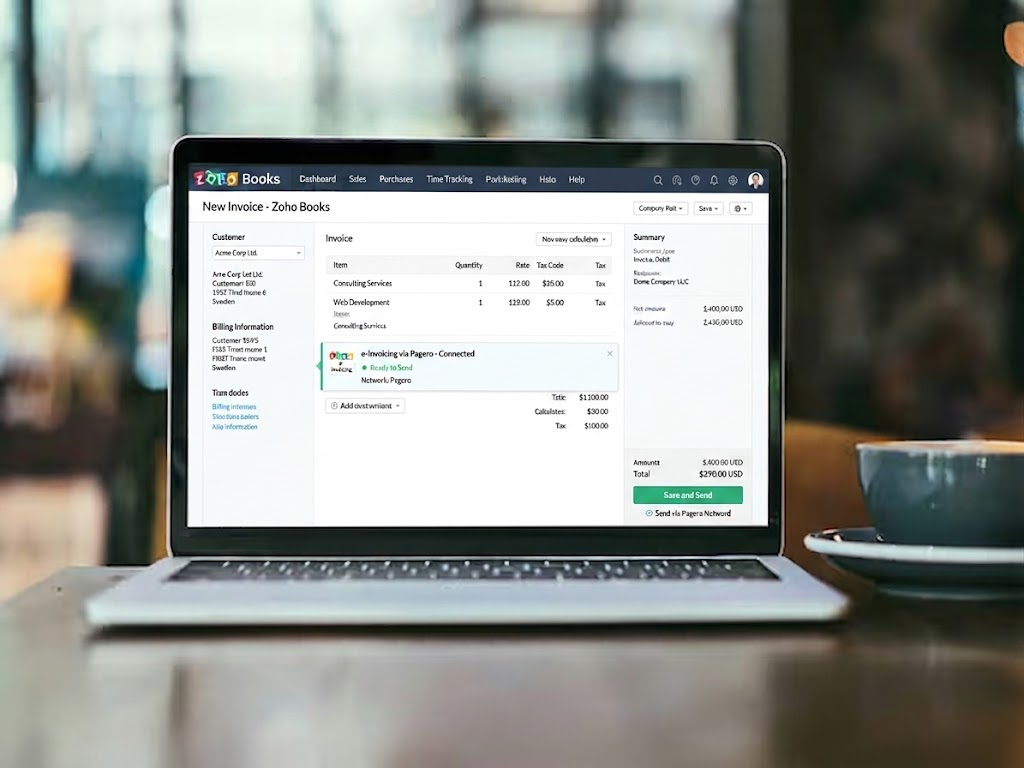
Stay within your existing Zoho Books workflow. No new platforms, no duplicated data entry.

Receive IRN, CSID and QR-coded proof of validation directly on the invoice, automatically.
 Integrated with Zoho Books
NRS/FIRS Validated
IRN & CSID Generation
THE PROCESS
Create your invoice in Zoho Books exactly as you normally do. No changes to your existing process.
Select "Submit to NRS via Avetium" from your invoice. Avetium pre-validates and queues it for submission.
Avetium validates the invoice with NRS/FIRS in real time. You receive clear feedback on the status.
Your IRN, CSID and scannable QR code are returned directly to the invoice in Zoho Books.
INTERACTIVE DEMO
Click through to experience the Avetium workflow from invoice creation to validation.
KEY CAPABILITIES
Built for businesses that want to incorporate NRS/FIRS e-invoicing into their existing Zoho Books workflow.
Submit invoices for validation directly from Zoho Books without switching to a separate system.

Receive the required e-invoicing identifiers directly on validated invoices, automatically.
Validated invoices include a scannable QR code for easy verification by any party.
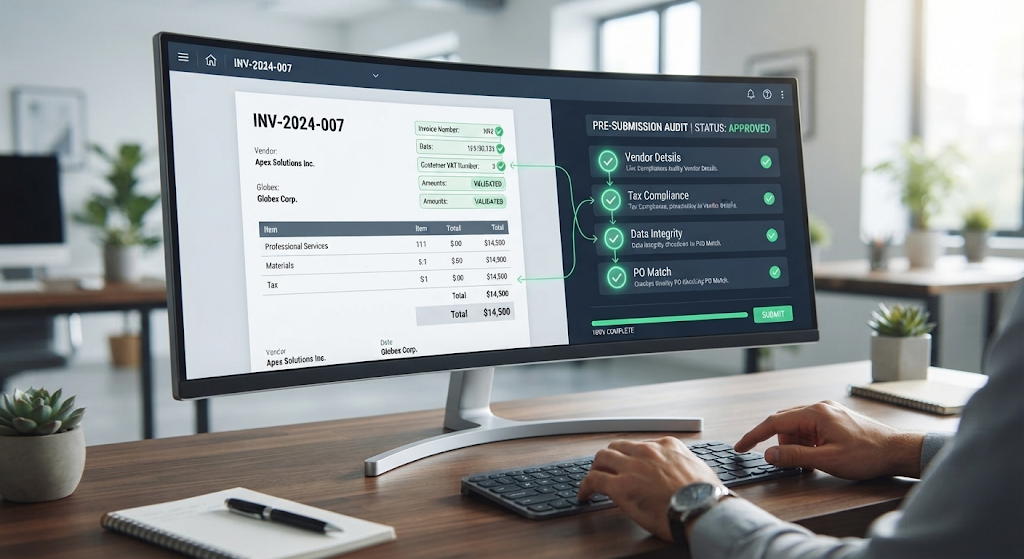
Built-in checks help identify relevant issues before submission, reducing rejection rates.
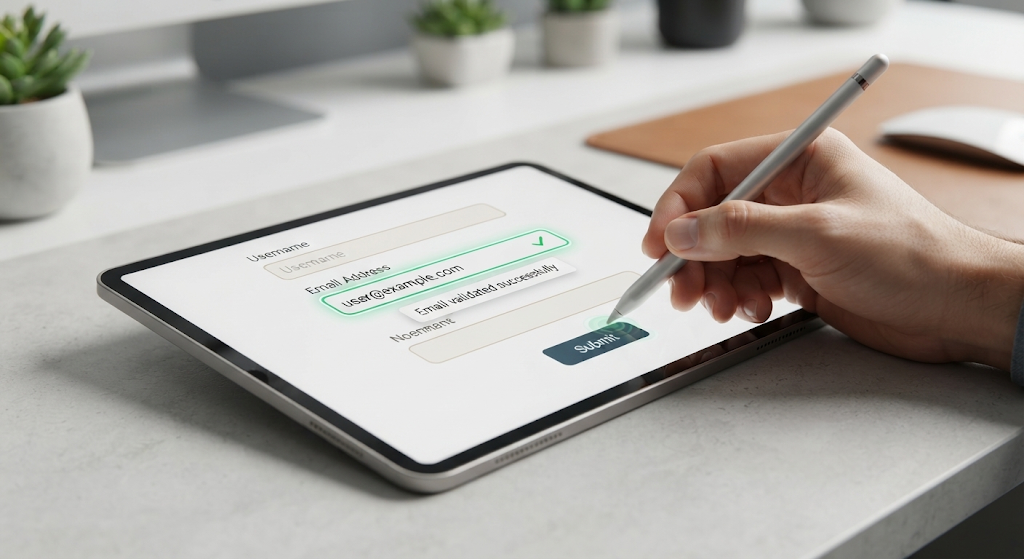
When an invoice requires correction, receive structured guidance to help resolve it before resubmission.
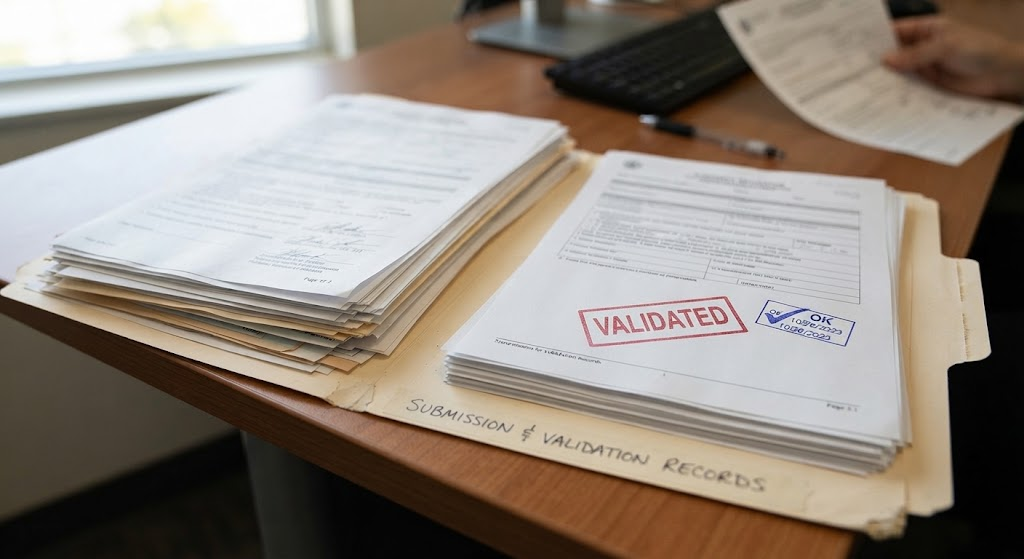
Maintain a clear record of invoice submissions and validation activity for reference and audit purposes.
BUILT FOR NIGERIA
Avetium E-Invoicing is built for businesses that want to incorporate NRS/FIRS e-invoicing into their existing Zoho Books workflow.
Your team continues to create and manage invoices in Zoho Books. Avetium takes care of the e-invoicing layer.
Aligned with Nigerian e-invoicing requirements
Works inside the invoicing tool you already use
All required validation identifiers returned directly on your invoice
Integrations
Your team continues to create and manage invoices in Zoho Books. Avetium takes care of the e-invoicing layer — silently, reliably, without disrupting your workflow.

FAQs

Frequently Asked Questions
Avetium E-Invoicing is an extension for Zoho Books that enables seamless NRS/FIRS e-invoice validation. It lets you submit invoices, receive IRNs, CSIDs, and QR codes without leaving your Zoho Books workflow.
No. Avetium works entirely within Zoho Books. There is no separate platform to log into or manage — everything happens inside the tools you already use.
Upon successful validation you receive an IRN (Invoice Reference Number), CSID (Cryptographic Stamp Identifier), and a scannable QR code attached directly to the invoice.
You receive clear, structured feedback highlighting the issues. Fix them in Zoho Books and resubmit — Avetium guides you through the correction process.
Yes. Avetium maintains a clear record of all invoice submissions and validation activity for reference, compliance, and audit purposes.
Add Avetium E-Invoicing to Zoho Books and bring NRS/FIRS e-invoicing into your existing workflow.